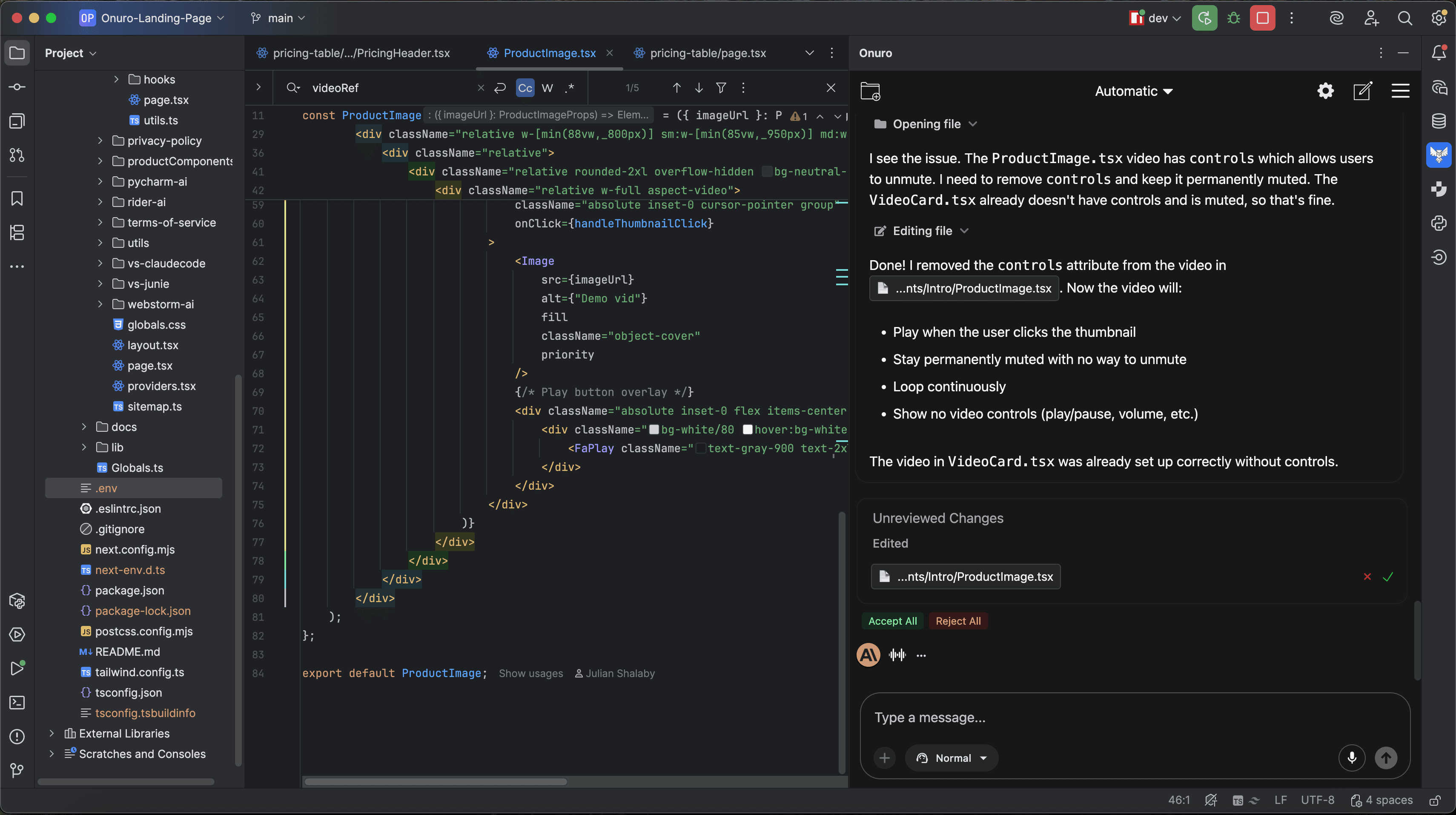
Loved by Developers
Used by 3k+ developers and backed by positive feedback from our community.
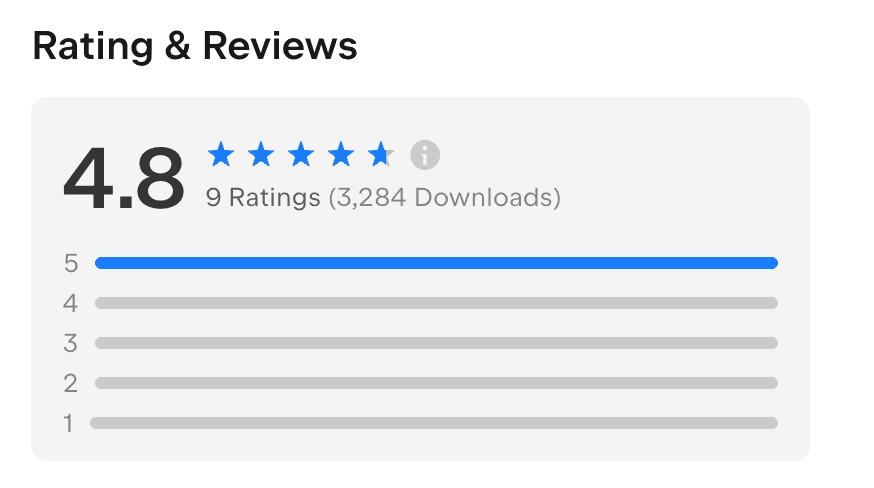
Built for JetBrains
Deep integration with the JetBrains ecosystem for a seamless experience in world-class IDEs


Private and Secure
We prioritize protecting users' privacy and data security, adhering to the principle of 'local-first' and 'minimal data collection'.
Local Data Storage
Codebase files are stored locally on your devices. For indexing, files may be temporarily uploaded for embedding. After processing, all plaintext is deleted.
Secure Data Access
Strict access control and encrypted transmission are enforced to prevent unauthorized access and reduce exposure to security risks.
Secure Providers Only
We only proxy requests through providers who guarantee to NOT store your data long-term or use it for training or any other purposes beyond processing your request.
Transparent Pricing
Start free with no credit card required. Upgrade to $15/month for premium features (currently $5 for a limited time!), with optional usage-based pricing for advanced AI models
Start Free - No Credit Card Required
Get started instantly with our free plan. Unlimited access to free AI models with full data privacy. Perfect for trying Onuro and simple Q&A tasks.
Flat Rate Subscription of $15/Month
Simple, predictable monthly pricing with access to all premium features and tools. Limited time New Year's special - lock in $5/month before prices go up!
Optional Pay-as-You-Go Usage for Premium AI Models
Enable usage-based pricing to access the most advanced AI models. Direct pass-through costs with no markup - you only pay what we pay.
How Do I Get Started?
Follow these simple steps to get started with Onuro Plugin
Note - Android Studio may not work by default. Follow this guide if you encounter issues.
Download a Jetbrains IDE (e.g. Webstorm, Intellij, Pycharm)
Download a Jetbrains IDE (e.g. Webstorm, Intellij, Pycharm)
Open Settings, then click Plugins from the left hand side

Open Settings, then click Plugins from the left hand side
Search for "Onuro" in the marketplace and click install
Search for "Onuro" in the marketplace and click install
Find Onuro on the right sidebar to start using it!

Find Onuro on the right sidebar to start using it!
While JetBrains AI Assistant can complement Onuro, some users find it distracting or slow. Consider uninstalling it for a smoother experience.
While JetBrains AI Assistant can complement Onuro, some users find it distracting or slow. Consider uninstalling it for a smoother experience.
More AI Tools
One subscription gives you access to our full suite of AI applications.
Onuro Chat
Try ChatIntelligent AI chat interface for seamless conversations, problem-solving, research exploration, and creative assistance.
Onuro Browse
Try BrowseAI browser extension that browses the internet with you in real time. Get instant AI assistance on any webpage.